







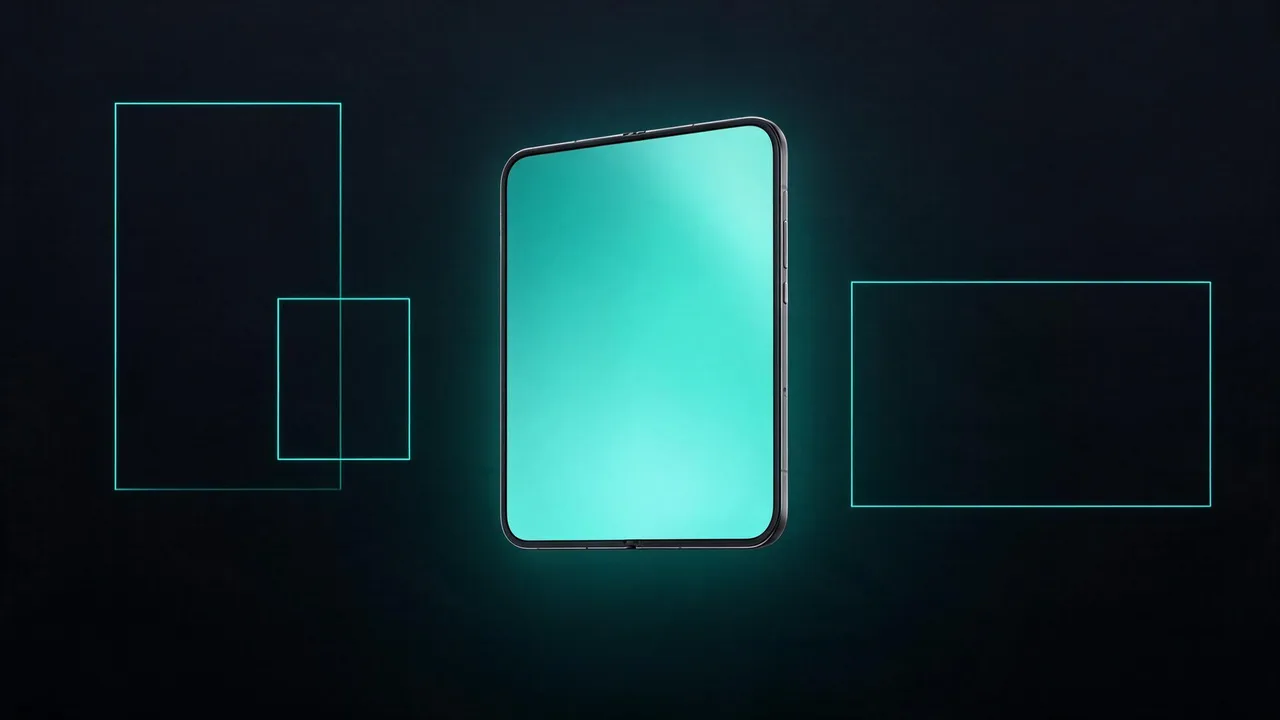
The external display of the iPhone Duo measures 382 x 578 CSS pixels at a pixel density of 3. Our first device check revealed: the website did not fill the display. A strip ran alongside the content on the right, filled with the page background color, and a dark edge remained on the left. The display is small, and every edge is wasted space.
The cause is not a bug in our own CSS. Safari treats the right display zone of the Duo, where the camera sits, as a blocked area. With a layout at device width, meaning 382 pixels, the page is not allowed to paint there. The strip on the right is exactly this blocked area. We checked other websites and found the same behavior. It is Safari behavior, not a page bug.
Additionally, the address bar picked up part of the curtain color of our site. That is also Safari 26: the browser samples colors from the page and applies them to the bars. Together, both effects took even more space away from the small display.
Why the viewport trick is necessary
The path to full-bleed layout goes through a deliberate break with the usual rule. Instead of the meta tag with device width, we set a fixed layout width of 460 pixels:
<meta name="viewport" content="width=460, initial-scale=1, viewport-fit=cover">
Safari then renders the page at 460 pixels wide and scales it down to the 382-pixel-wide visual viewport. The scaling is part of the concept: because the layout is wider than the visual viewport, the page also paints underneath the blocked area at the right edge. The display is completely filled.
This state cannot be forced through JavaScript. The visualViewport object is a read interface; scaling values are available for reading only. If you want zoom, you have to declare it through the meta tag.

What the fix looks like
The fixed viewport meta alone is not enough. It creates a second consequence that the rest of the rebuild deals with: layout width 460 and visual viewport 382 differ by 78 pixels. These 78 pixels are a pan space. Without countermeasures, the page can be shifted sideways with a finger, and anything located there cannot be tapped. We documented four work areas:
- Full-bleed bands: Bands that use viewport units must be aligned to the layout width. On the Duo, Safari resolves these units differently than the surrounding container. We therefore write the layout width into a CSS variable via JavaScript and convert all bands to it. Measured on the device: before the change, a curtain band ran at 382 pixels while the section laid out at 460. After the change, it follows the layout.
- Address bar: Safari 26 samples colors from fixed full-screen elements and applies them to the bars. As long as an opaque element sticks to the edge, the bar stays, whatever color it has. We had two such elements: a structure overlay and an effect canvas. Both are now section-bound instead of fixed. After that, the bar collapsed again.
- Dialogs and menus: All dialogs, menus, and lightboxes now size their width to the visual viewport, not the layout width, and align to the visual viewport. Before, half of the dialog reached into the pan space, where no touch events land. Menu items and lightbox controls were untappable, without any test reporting it.
- Lateral offset: Layers that paint into the pan space create the feeling of a shiftable page. The gold rain effect canvas runs section-bound and clamped to the visual viewport width.
One Safari peculiarity we accepted deliberately: the native dialog focusing steps scroll the page start into the pan space when opening. Opening dialogs no longer with the modal method, but as a regular layer with its own scroll lock, is part of the fix.
Why this is not a small thing
We spent five days on this display. Not because the fix is lengthy, but because the pitfalls are hidden. Headless browser tests run green because Chromium resolves viewport units against the layout width and does not know the pan space. Errors that only occur on the device remain invisible there. We verified every fix on a real Duo first.
And there is a reason to care about the external display: we use a Duo ourselves and keep it closed most of the time in daily use. The external display is therefore often the first contact with a website. Whoever shows edges there gives away the first impression.
What the failure patterns look like
We documented and fixed these failure patterns:
- Bar on the right: Safari blocks the right display zone for page content. Fix: viewport meta with a fixed layout width of 460; the page paints underneath the blocked area while scaling.
- Page shiftable sideways: Layout width larger than the visual viewport creates pan space. Fix: no content in the dead strip, dialogs and effects clamped to the visual viewport width.
- Menu untappable: The dialog centers on the layout viewport and reaches into the pan space. No touch events land there. Fix: clamp dialogs to the visual viewport.
- Address bar changes color: Safari 26 samples colors from fixed full-screen elements at the edges. Fix: no opaque fixed full-screen elements at the edges.
Frequently asked questions about the Duo external display
How many CSS pixels does the iPhone Duo external display measure?
382 x 578 CSS pixels at a pixel density of 3, with the device closed. Open, the website uses the desktop build from 761 pixels width.
Do I have to rebuild my website for 382 pixels?
The mobile view stays and gets supplemented. The fixed viewport meta handles the scaling, and the four work areas from the article catch the consequences. If you have no fixed full-screen elements and no viewport-based bands, there is less work. Open, the Duo uses the desktop build from 761 pixels width, at 626 pixels width in portrait mode.
Why do my tests not show the error?
Chromium-based tests resolve viewport units against the layout width and do not know the pan space between layout and visual viewport. The error only exists on the device. If you own a Duo, test there. If not, you can simulate the scaling with a browser override, but you must then verify how the units resolve.
What does adapting an existing website cost?
It depends on the structure. Websites with few full-screen elements and centered dialogs are adapted in one day. Websites with fixed effect layers, their own dialog system, and viewport-based bands need two to three days, including device testing. Our own website belongs to the second category and took five days because we had to document the display behavior from scratch. That research is done now; nothing stands in the way of an adaptation.
 iPhone Duo: Why 9:16 Alone No Longer Fills the Screen
 AI in Marketing: The Current Figures